Your One Stop Shop for Greenery, Furniture, Bakery and Groceries
You Will Love Us So Much You May Never want to Leave!
Monday – Friday: 8AM – 6PM,
Saturday: 8AM – 5PM
Zimmerman
Store/Bakery
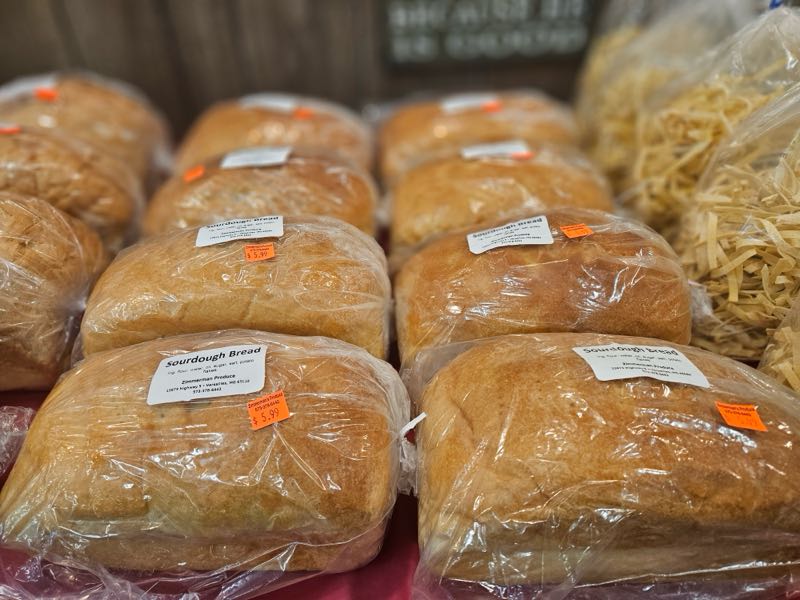
Just Smell that Fresh Bread Baking!
At Zimmerman’s, we prioritize freshness, affordability, and a customer-first approach, making us a staple for both residents and visitors seeking an elevated shopping experience.
Zimmerman
Furniture

Poly Furniture That Last a Lifetime
- Outdoor Rockers & Chairs
- Outdoor Tables & Sets
- Beautiful Benches & Swings
- Planters & More
Zimmerman
Greenhouse
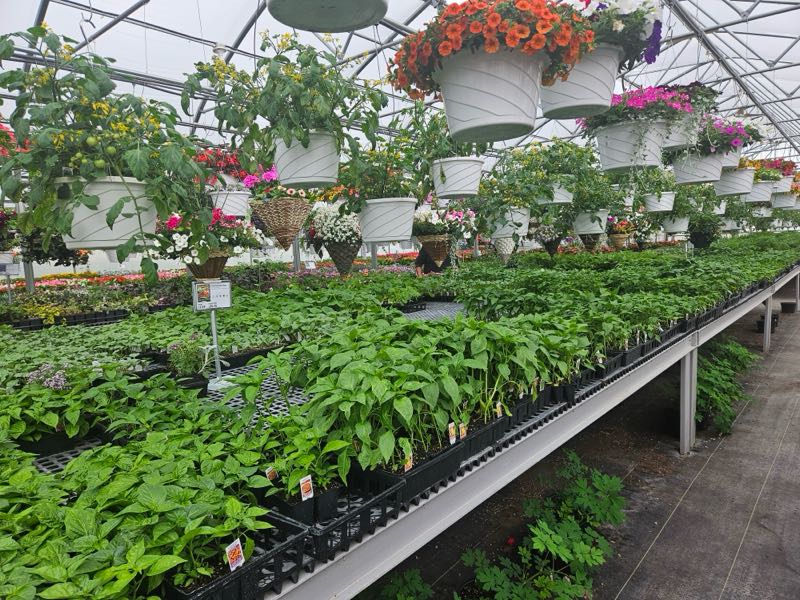
Spruce Up Your Lawn, Home or Garden
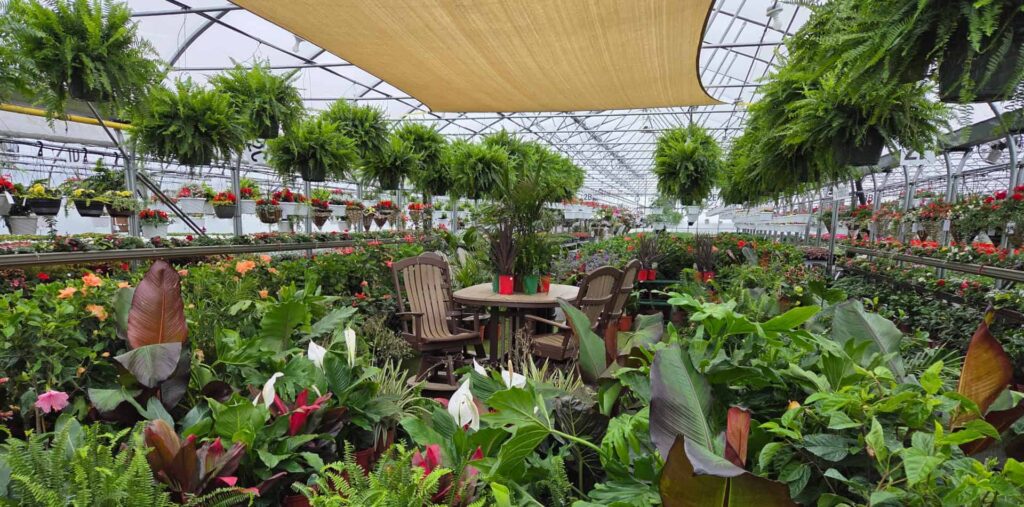
From flowers to shrubs and from green beans to tomatoes, You will find whatever you need for outdoor planting. We are here to offer advice if you are not sure what you need.
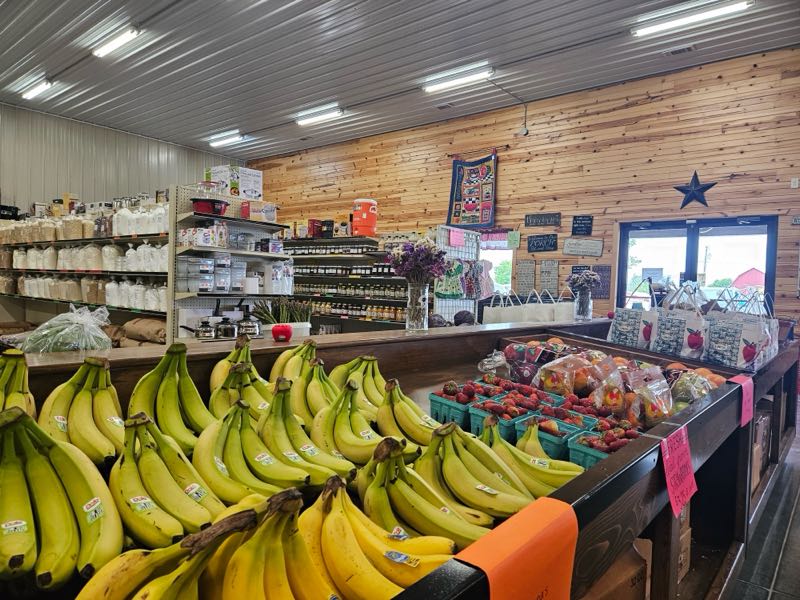
Zimmerman’s Produce LLC combines the charm of a local market with the excellence of a high-end greenhouse. We specialize in locally grown produce and healthy garden starters, offering an impressive variety of plants meticulously maintained for the discerning gardener.
What’s In Store? Ton’s of Fresh Produce & Vegetables
Our offerings extend beyond the harvest to include popular prepared food options, such as fresh sub sandwiches and soft-serve ice cream—ideal for a quick, high-quality meal.
Come and explore. You never know what you might find.
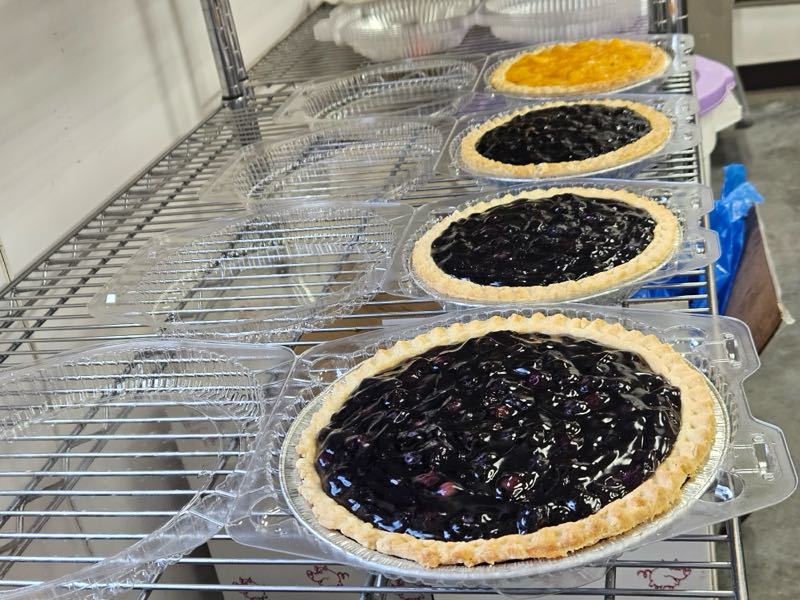
Come Smell the Sweet Smell of Fresh Baked Breads & Desserts
- Fresh Baked Sourdough Breads
- Fresh Baked Pies & Cookies
- Homemade Rolls & Cakes
- Deli Sandwiches Made Fresh Daily
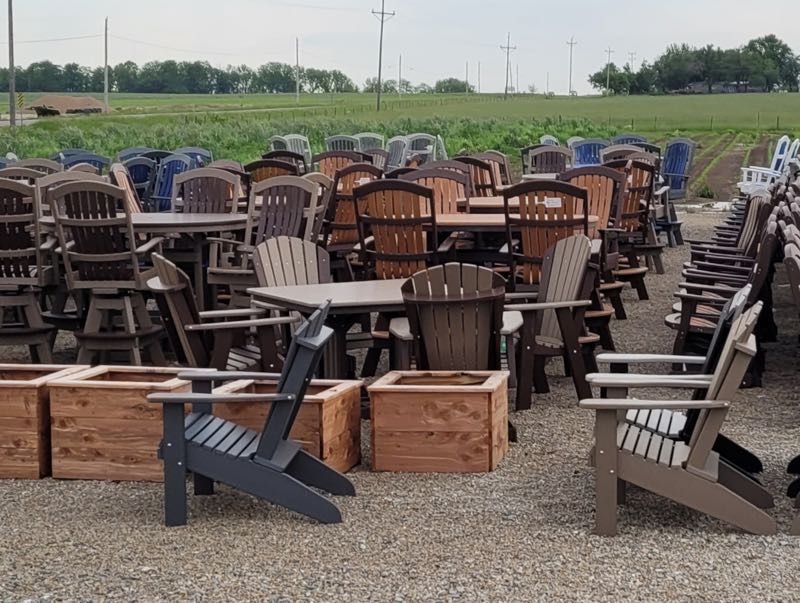
Outdoor Poly Furniture Made by Craftsmen
Dress Up Your Patio With Our Long Lasting, Beautiful Chairs, Tables & Rockers
Gone are the days of re-staining and finishing. Our outdoor furniture could last you a lifetime. Not only that but you will find the comfort and durability to far exceed any other type of outdoor furniture..
Zimmerman’s Produce LLC is a premier destination for high-quality seasonal goods, distinguished by its diverse inventory and community-focused atmosphere. Our facility features a robust greenhouse offering a curated selection of premium nursery stock and garden essentials at competitive price points.
We pride ourselves on a “farm-to-table” ethos, providing locally sourced fruits, vegetables, and farm-fresh eggs that consistently exceed quality standards. Beyond raw produce, Zimmerman’s offers a refined selection of prepared foods, including artisanal sub sandwiches and premium soft-serve ice cream. Driven by a commitment to exceptional service and value, our staff ensures a seamless and welcoming experience for every patron.
Feel free to explore the rest of our site and hopefully become more aware and confident that everyone at Zimmermans Produce LLC is here to offer you the best services and products possible.

Reviews & Testimonials
Here is what a few people have to say about Zimmermans Produce LLC. Leave your review with the button below. After submitting, please allow a couple seconds for your review to upload. Thanks!
Submit your review | |
I can’t say enough good things about Zimmermans Produce. I would most certainly recommend them to all of my friends and family.